Adding Optima as a Predecessor in CIC Platform
Overview
To receive support for Optima-related services, consumers must add OPTUMRX CORE PLATFORM - OPTIMA as a predecessor in the CIC (Configuration Item Catalog) platform. This is a mandatory step that enables proper support routing and ensures your requests are handled by the appropriate Optima support team.
Prerequisites
- Access to the CIC platform at https://cic.optum.com
- CI SLO (Configuration Item Service Level Owner) permissions
Step-by-Step Instructions
Step 1: Access the CIC Platform
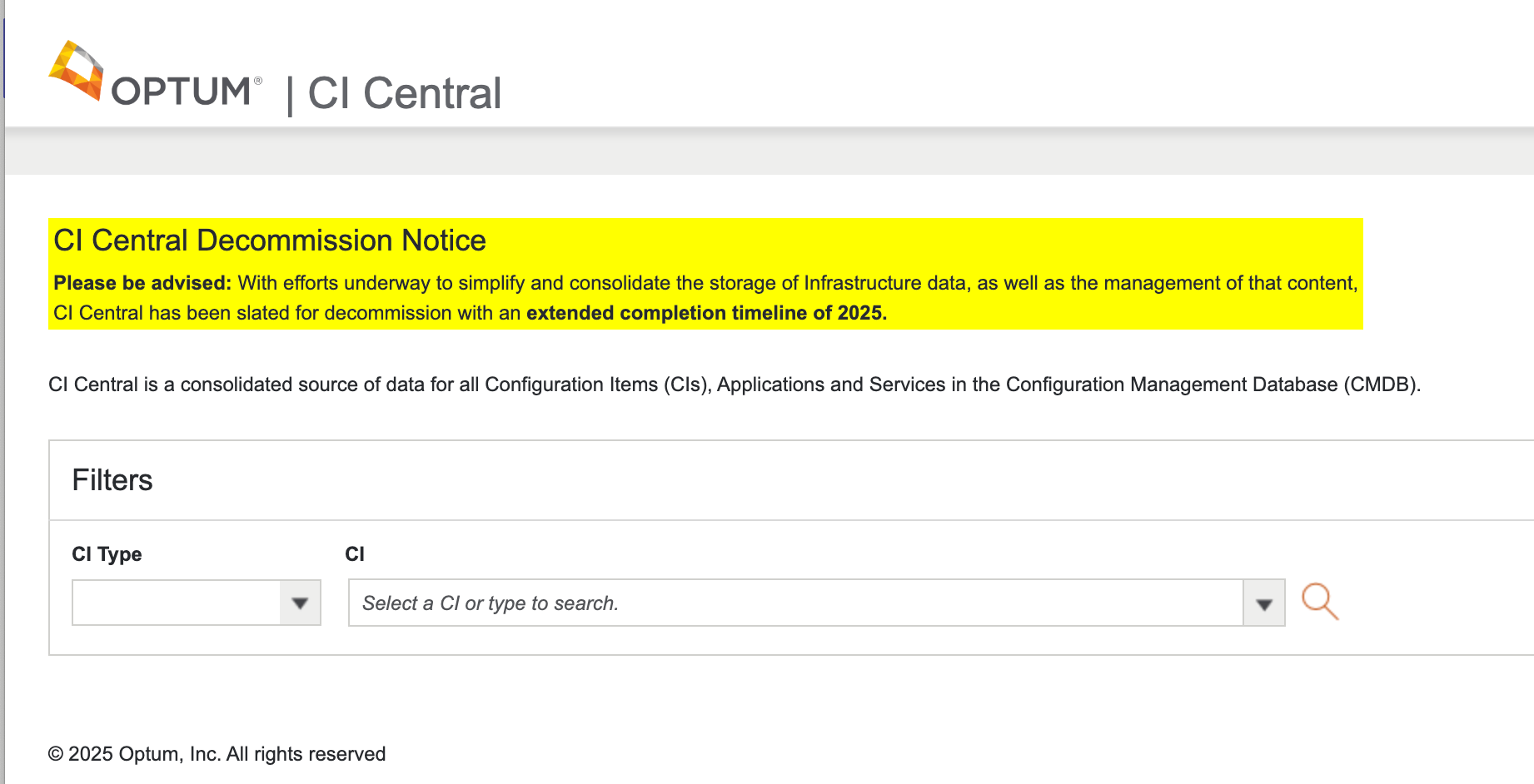
- Navigate and Login to https://cic.optum.com/CICentral/Ci_Central.aspx
Step 2: Search for Your Configuration Item
- Use the search functionality to locate your CI
- Search using your CI name
- Select your CI from the search results to open it
Step 3: Navigate to the DR Section
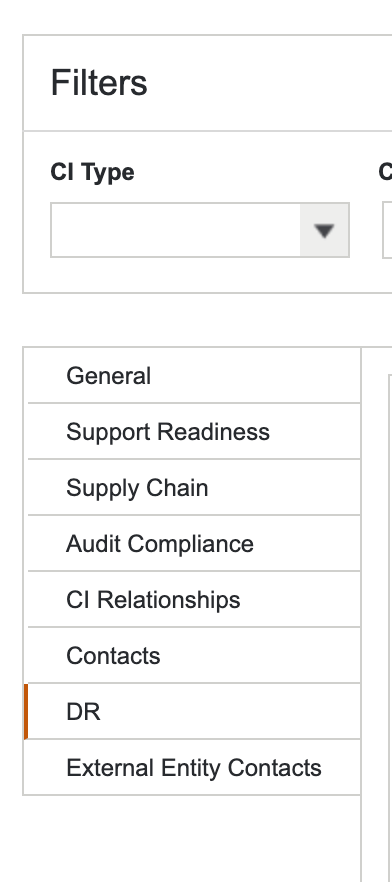
- Once your CI is open, locate the DR (Disaster Recovery) section
- Click on the DR tab or section
Step 4: Manage the DR
- Within the DR section, find and click on Manage
- This will open the management interface for your CI's dependencies
Step 5: Add Optima as your Predecessor
- Look for the option to add a predecessor or dependency
- Search for and select
OPTUMRX CORE PLATFORM - OPTIMAfrom the available options - Add
OPTUMRX CORE PLATFORM - OPTIMAas a predecessor to your CI - Save the changes
Important Notes
- CI SLO Action Required: This action must be performed by the CI SLO (Configuration Item Service Level Owner)
- Mandatory for Support: Adding Optima as a predecessor is required to receive any Optima-related support
- One-Time Setup: This configuration only needs to be done once per CI
Support
If you encounter any issues during this process:
- Verify you have CI SLO permissions
- Ensure you're using the correct CI name
- Contact the Optima support team if you need assistance with the configuration