Open API Specification
This document helps to understand how to use Open API Specifications and consume APIs for tenants to use Optima Gateway.
Step 1:- Visit the page
- Open the Open API Spec page.
| Environment | Open API site Link |
|---|---|
| Dev | TBD |
| Stg | Link |
| Prod | TBD |
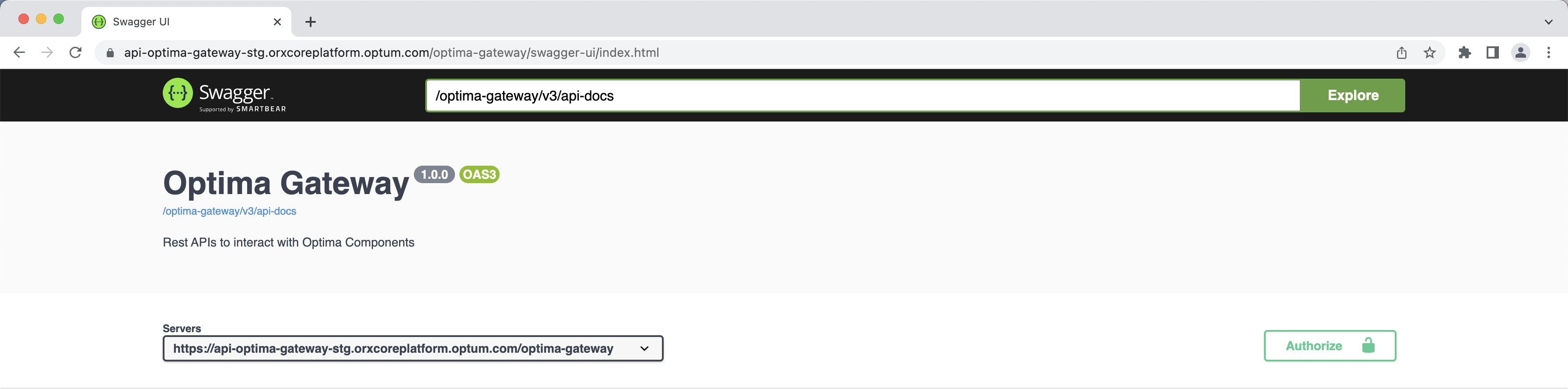
Step 2:- Fetch Auth Token
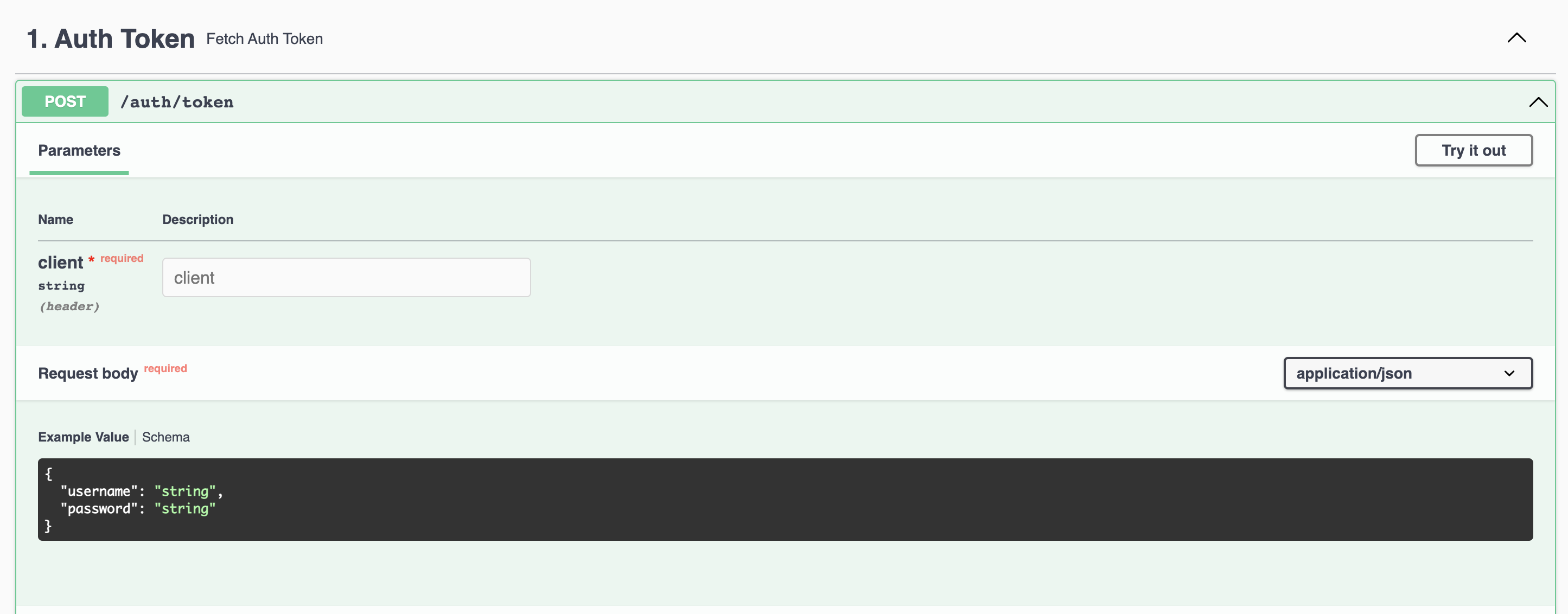
- Click on
1. Auth Tokensection. - Click on
Try it outbutton. - In the header, provide
client. - In the Request Body, provide
clientIdin the value of "username" andclientSecretin the value of "password". - Click on
Execute.
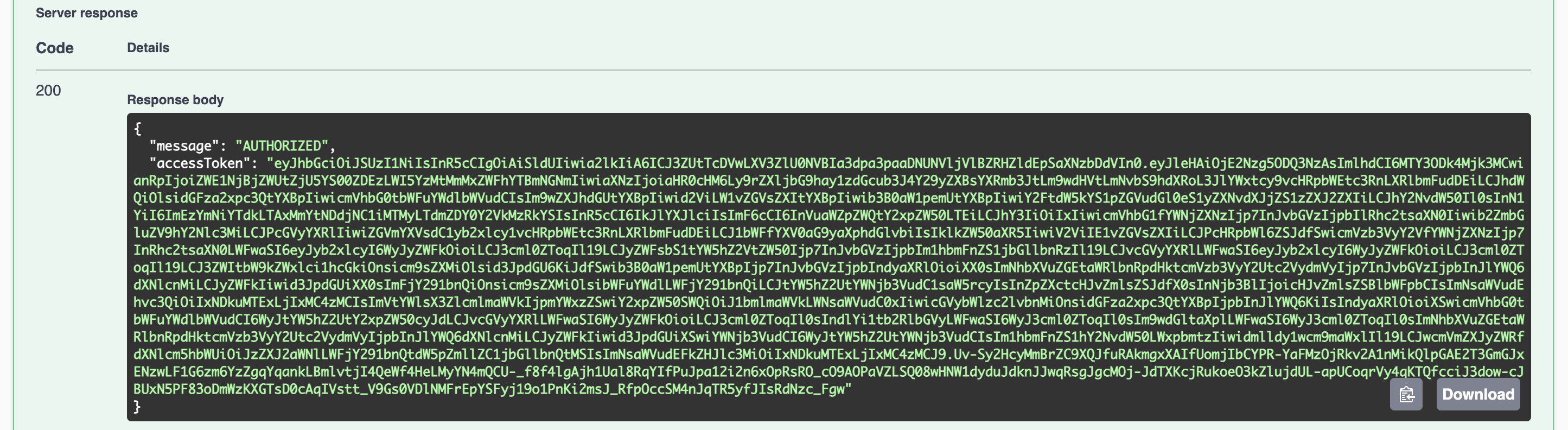
If the details provided are correct, you will get an accessToken in the response body
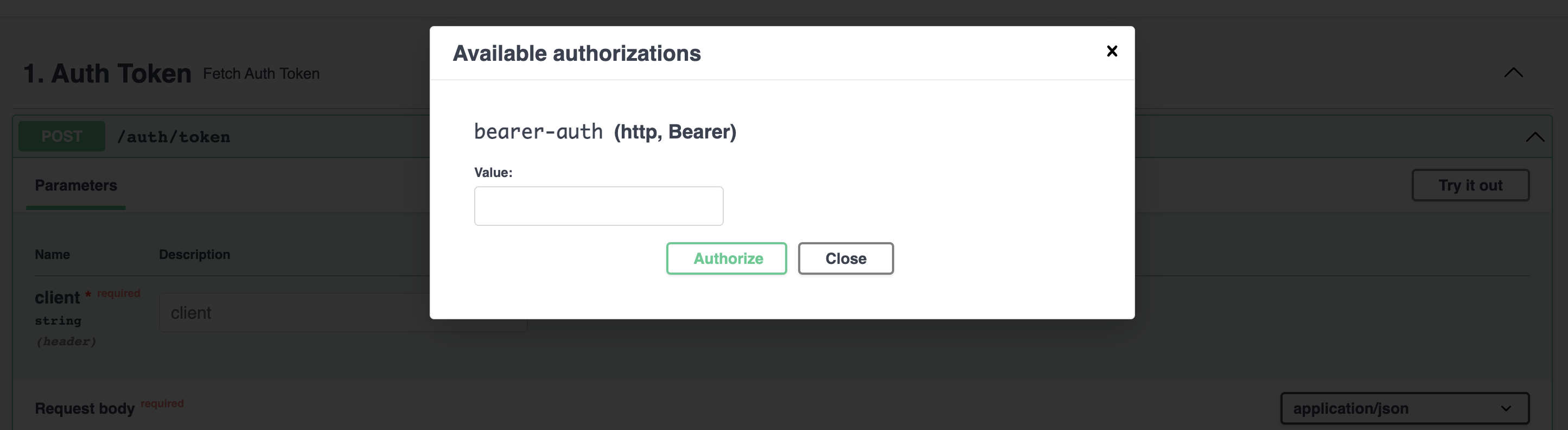
Step 3:- Authorize
- Copy the
accessTokenretrieved from the Step 2. - Go to top, and click on
Authorizebutton. - Paste the token in the input field.
- Click on
Authorizebutton.
Step 4:- Consume Zeebe / Operate / Tasklist / Optimize
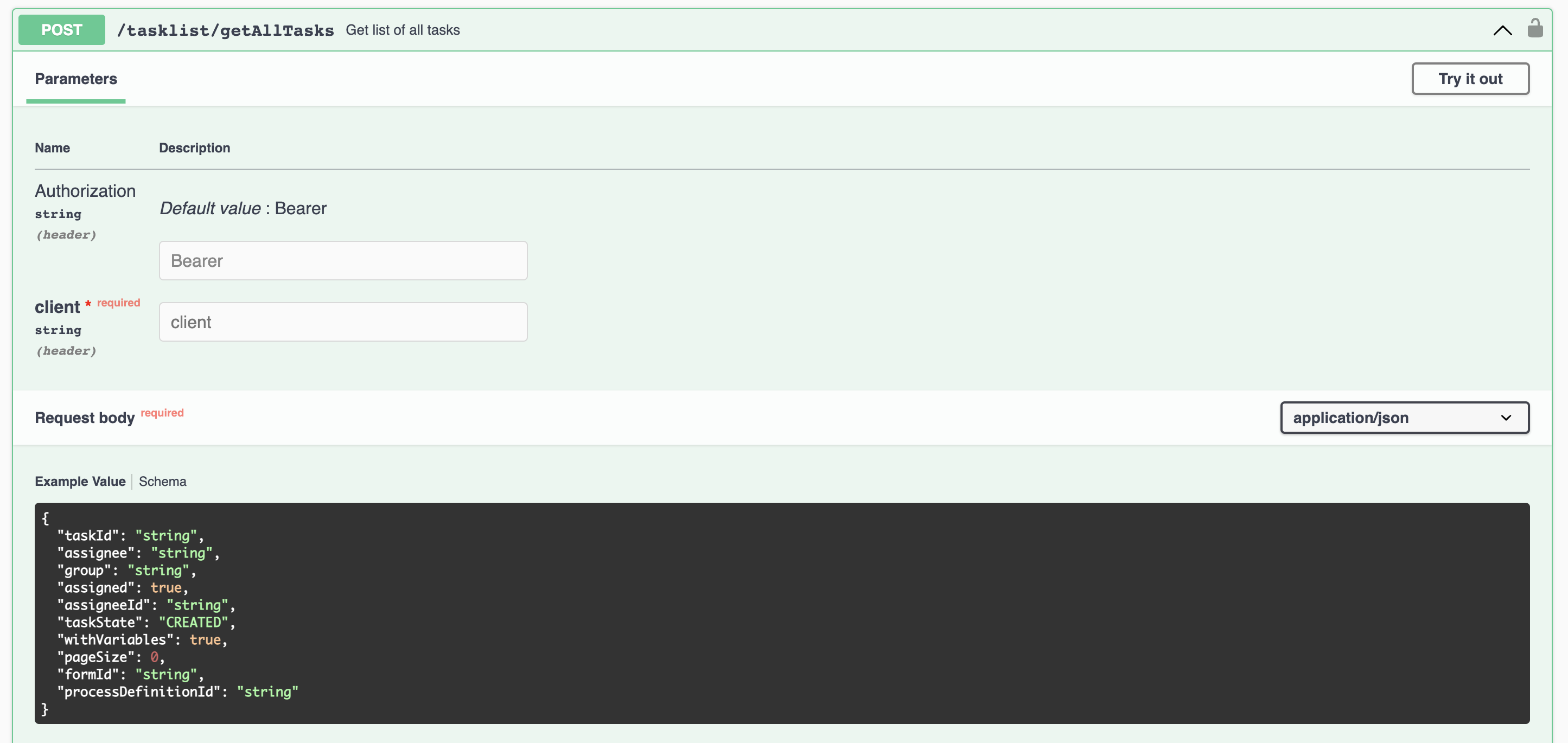
Use this same step to consume any of the APIs of Zeebe / Operate / Tasklist / Optimize.
- Click on the respective section.
2. Zeebefor Zeebe APIs.3. Operatefor Operate APIs.4. Tasklistfor Tasklist APIs.5. Optimizefor Optimize APIs.
- Click on
Try it outbutton. - In the header section, provide
client. - In the Request body, provide necessary Request Body with values as per the API.
- Click on
Execute.
Contributors