Splunk Core
Links and Access
- NonProd Splunk - Secure Group: cloud_splunk_east_rx_optima_user
- Prod Splunk - Secure Group: cloud_splunk_east_rx_optima_user
Overview
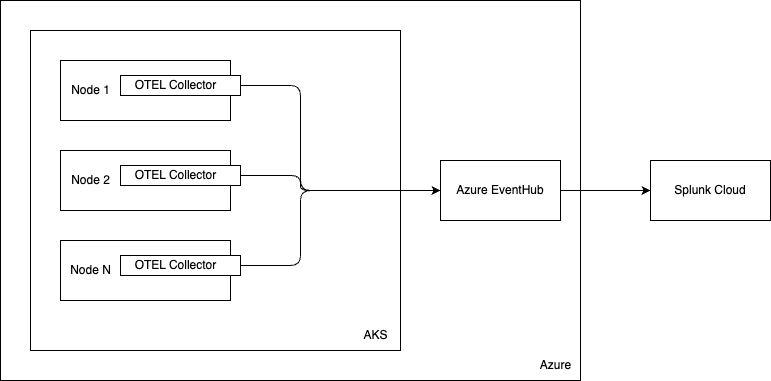
-
Splunk Setup
-
Custom Logging Dashboard
Splunk Setup
Steps
-
Helm Install.
-
Application Insights Setup.
Helm Install
-
All the monitoring is packed in a single Helm Chart.
-
To modify the deployment, make changes to the values files here.
-
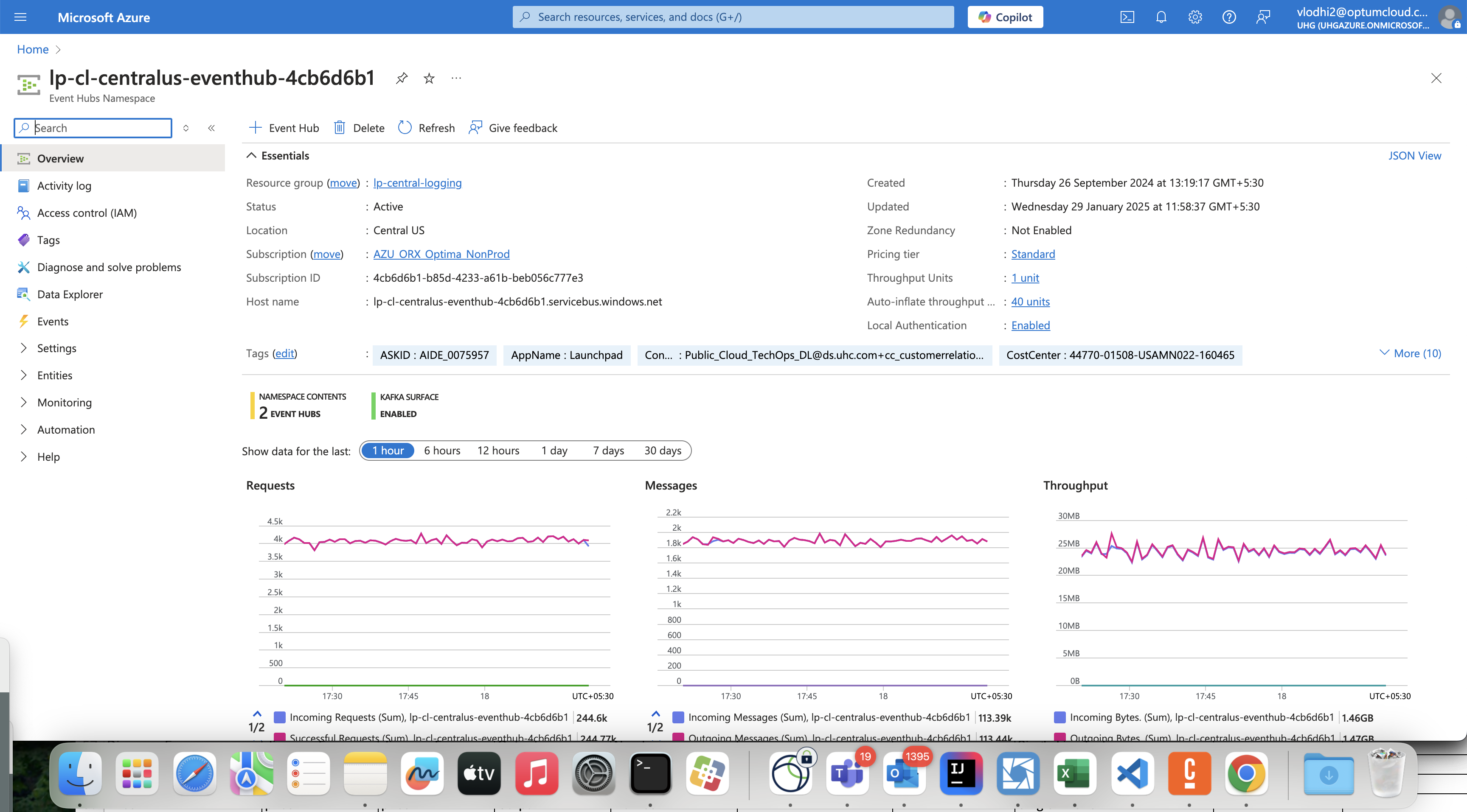
For exporting the logs from the AKS we utilize a Kafka Exporter, which comes by default by OTEL Collector. It requres the
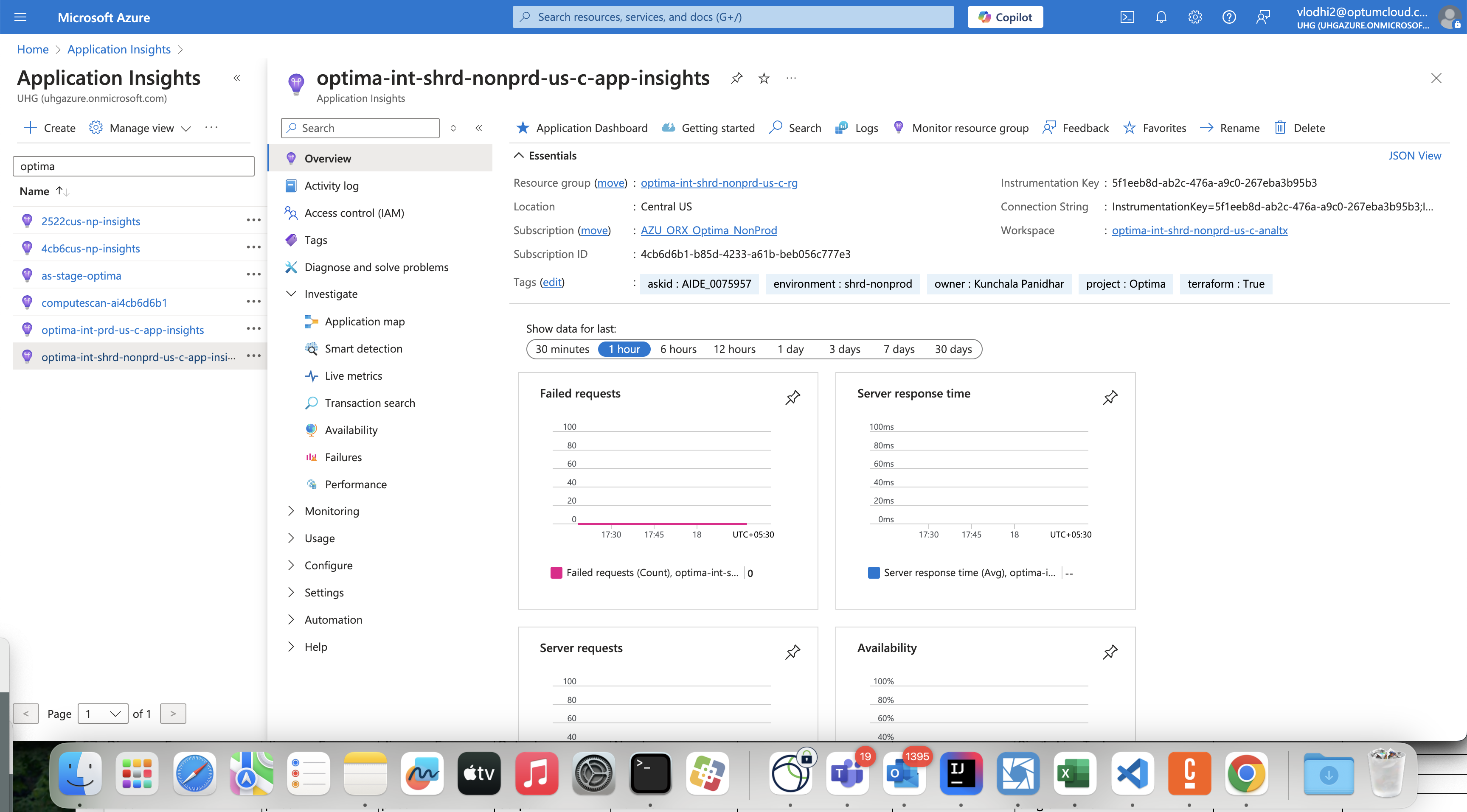
- App Insights Instrumentation Key
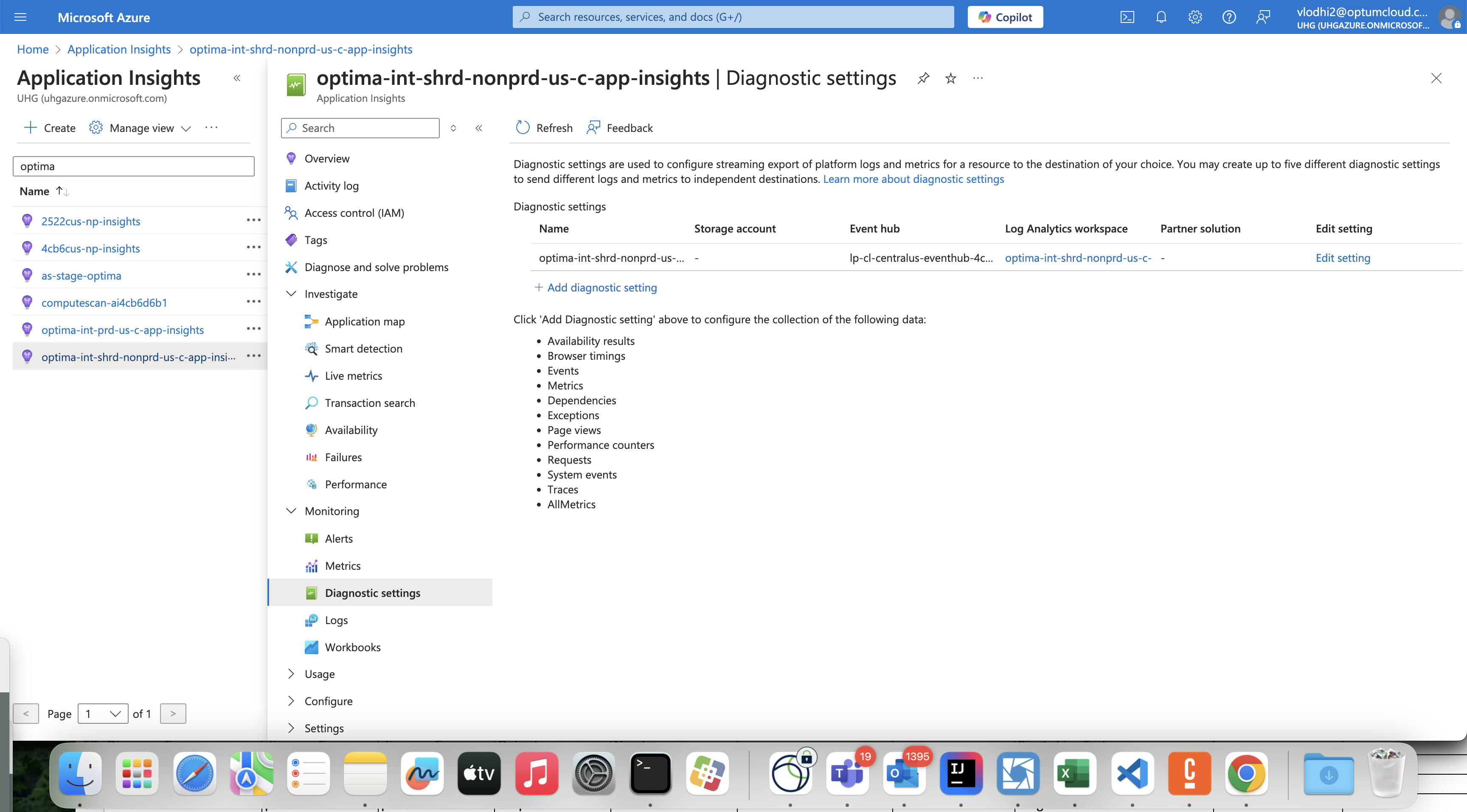
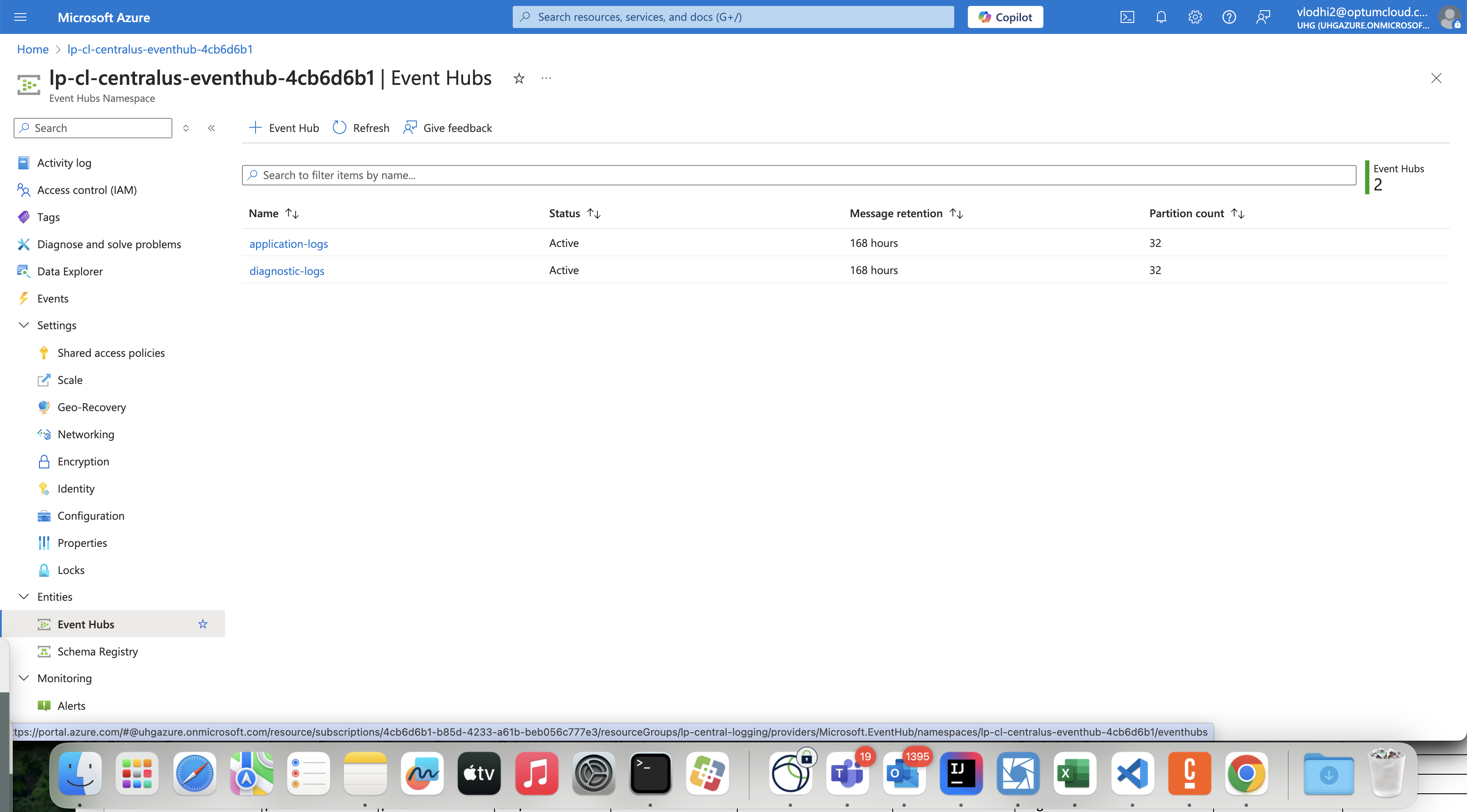
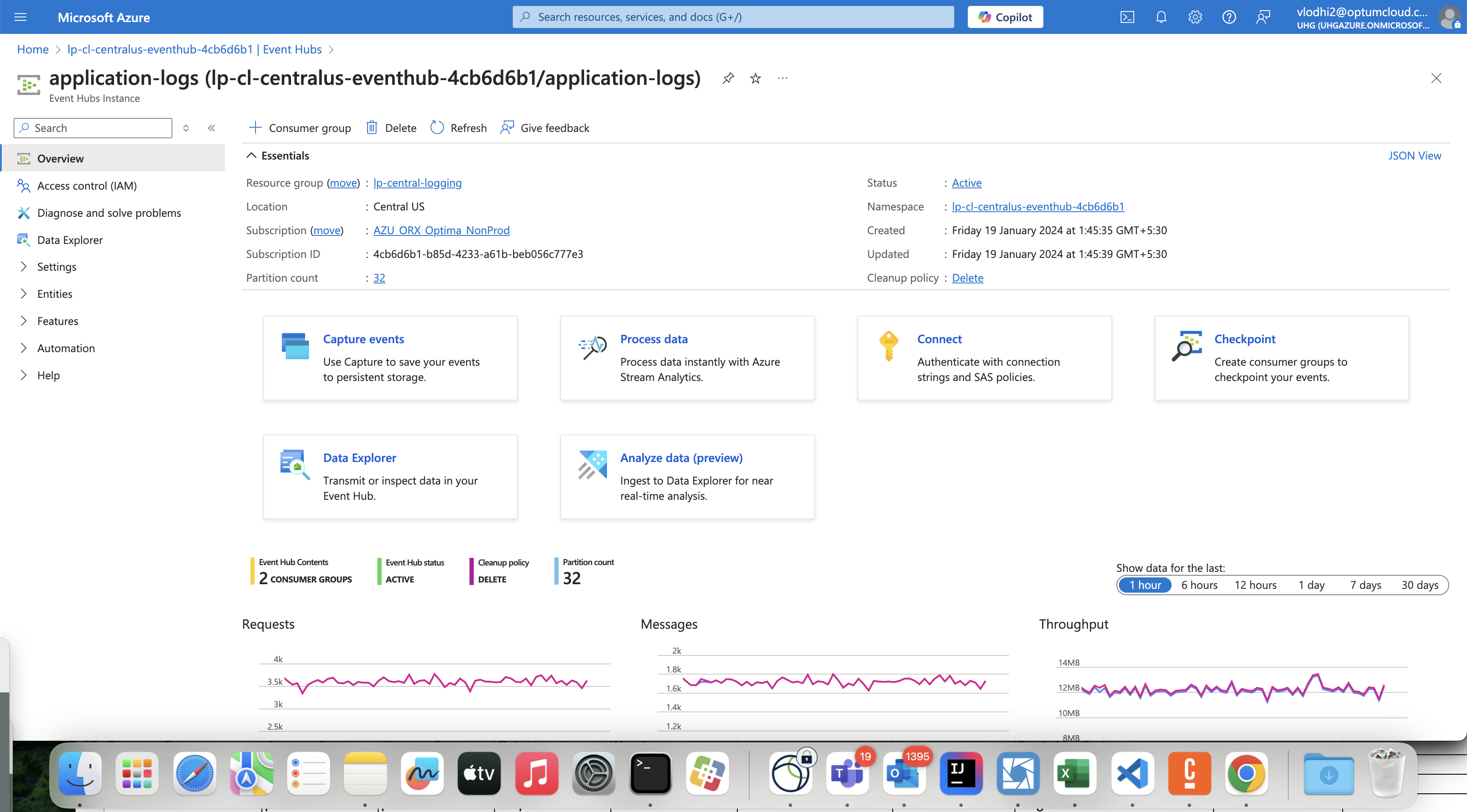
- Event Hub Broker Endpoint
- Event Hub Password
Application Insights
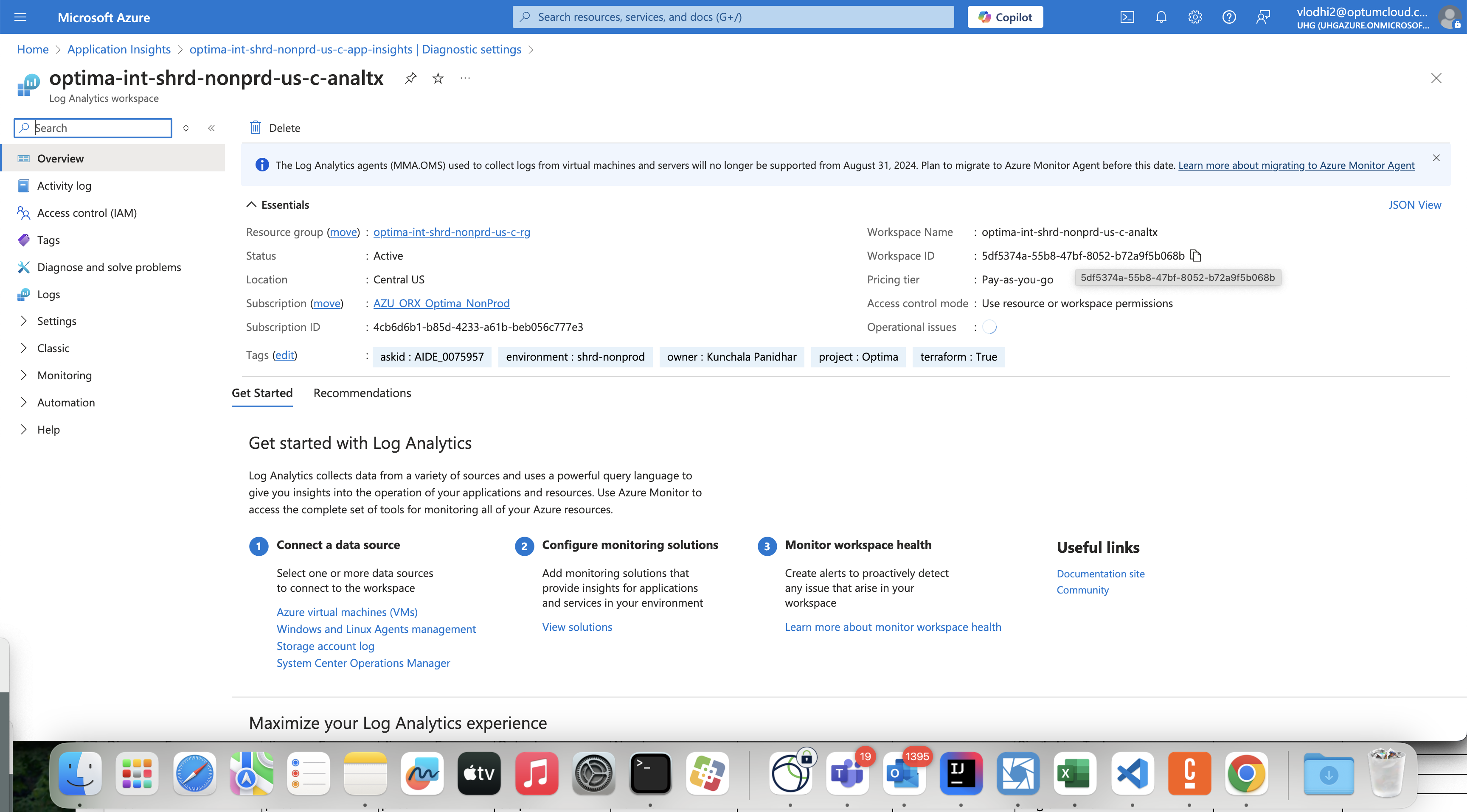
From Application Insights we will capture the values needed to export the data.
- Go to Application Insights
Custom Logging Dashboard
Application Logs
-
Search for all the logs.
index=cloud_rx_optima | spath path=data.resourceLogs{}.scopeLogs{}.logRecords{}.body.stringValue output=logs | table logs | where isnotnull(logs) -
List all the service.
index=cloud_rx_optima | spath path=data.resourceLogs{}.resource.attributes{} output=attributes | rex field=attributes "\{\"key\"\:\"service.name\"\,\"value\"\:\{\"stringValue\"\:\"(?<serviceValue>.+)\"\}\}" | where isnotnull(serviceValue) | stats count by serviceValue | fields - count -
List all the environemnts.
index=cloud_rx_optima | spath path=data.resourceLogs{}.resource.attributes{} output=attributes | rex field=attributes "\{\"key\"\:\"deployment.environment\"\,\"value\"\:\{\"stringValue\"\:\"(?<environment>.+)\"\}\}" | where isnotnull(environment) | stats count by environment | fields - count -
Search logs for particular enviornmnet
index=cloud_rx_optima | spath path=data.resourceLogs{}.scopeLogs{}.logRecords{}.body.stringValue output=log | spath path=data.resourceLogs{}.scopeLogs{}.logRecords{}.severityText output=severity | spath path=data.resourceLogs{}.resource.attributes{}.key output=key | spath path=data.resourceLogs{}.resource.attributes{}.value.stringValue output=value | spath path=data.resourceLogs{}.resource.attributes{} output=attributes | search key="deployment.environment" value="OptimaStage" | rex field=attributes "\{\"key\"\:\"service.name\"\,\"value\"\:\{\"stringValue\"\:\"(?<serviceName>.+)\"\}\}" | spath path=data.resourceLogs{}.scopeLogs{}.logRecords{}.attributes{}.key output=exlude_key | spath path=data.resourceLogs{}.scopeLogs{}.logRecords{}.attributes{}.value.stringValue output=exlude_value | search NOT (exlude_key="logtype" AND exlude_value="stderr") | where isnotnull(log) AND isnotnull(serviceName) | mvexpand log | mvexpand severity | table serviceName, log, severity -
Search for logs with respect to Service Name, Environment Name, Namespace Name, Pod Name, Container Name.
index=cloud_rx_optima
| spath path=data.resourceLogs{}.scopeLogs{}.logRecords{}.body.stringValue output=log
| spath path=data.resourceLogs{}.scopeLogs{}.logRecords{}.severityText output=severity
| spath path=data.resourceLogs{}.resource.attributes{}.key output=key
| spath path=data.resourceLogs{}.resource.attributes{}.value.stringValue output=value
| spath path=data.resourceLogs{}.resource.attributes{} output=attributes
| search key="service.name" value="optima-uwcm-operate-service"
| search key="deployment.environment" value="OptimaStage"
| search key="k8s.namespace.name" value="optima-uwcm"
| search key="k8s.pod.name" value="camunda-platform-operate-7757dd88dd-zmltd"
| search key="k8s.container.name" value="operate"
| rex field=attributes "\{\"key\"\:\"service.name\"\,\"value\"\:\{\"stringValue\"\:\"(?<serviceName>.+)\"\}\}"
| spath path=data.resourceLogs{}.scopeLogs{}.logRecords{}.attributes{}.key output=exlude_key
| spath path=data.resourceLogs{}.scopeLogs{}.logRecords{}.attributes{}.value.stringValue output=exlude_value
| search NOT (exlude_key="logtype" AND exlude_value="stderr")
| where isnotnull(log) AND isnotnull(serviceName)
| mvexpand log
| mvexpand severity
| table serviceName, log, severity
Note
- Remove or add the Search statements for removing or adding anymore query.
- To suppress the Otel Java agent errors, below lines are added. They can be removed after the Otel Javaagent have been removed. | spath path=data.resourceLogs{}.scopeLogs{}.logRecords{}.attributes{}.key output=exlude_key | spath path=data.resourceLogs{}.scopeLogs{}.logRecords{}.attributes{}.value.stringValue output=exlude_value | search NOT (exlude_key="logtype" AND exlude_value="stderr")